Demo films
Watch a teleprompter follow a talk.
55 films of SAYA for Windows following scripted demo talks. Each one is one talk in one take, in one voice, with its own page and full transcript.
Talks with slides.
SAYA shows the presentation full screen and turns each slide as the talk reaches it, with the script in the strip under the camera.
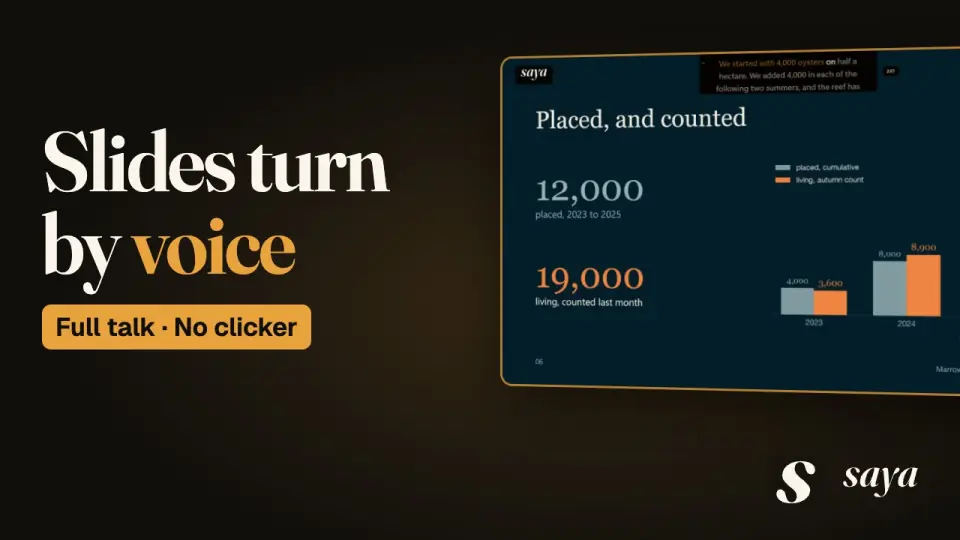 British accent: Council report“What Twelve Thousand Oysters Did” · 5:04
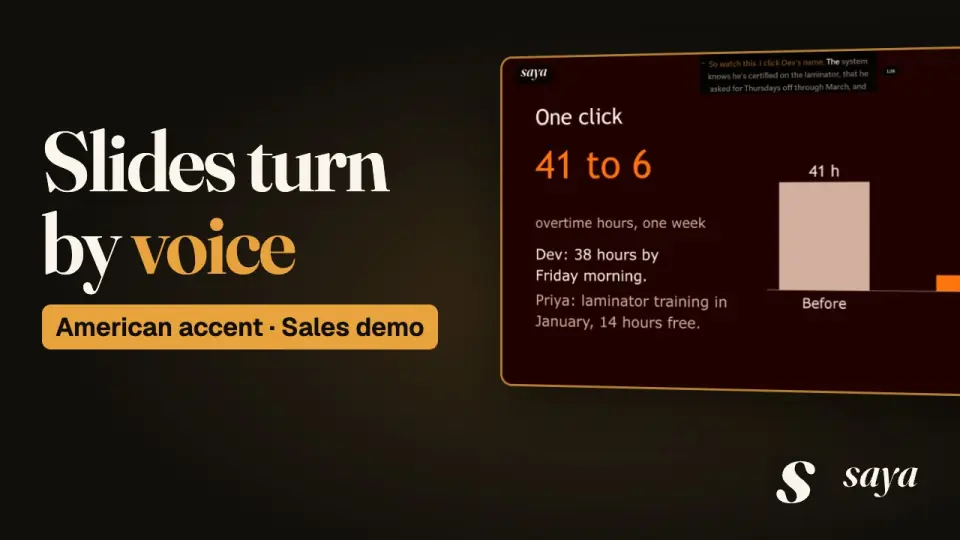 American accent: Live software sales demo“Two Stores, Thirty Days” · 4:53
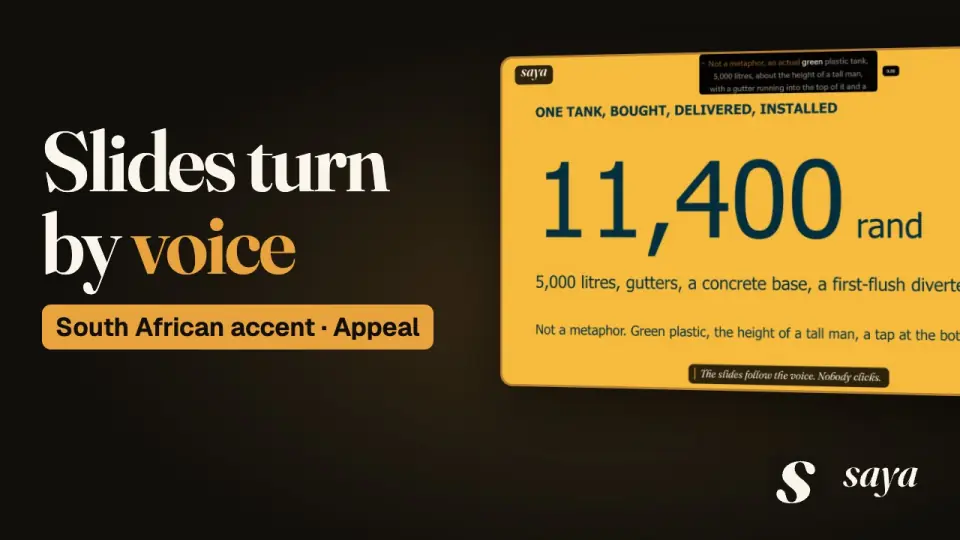 South African accent: Charity fundraising appeal“Clean Water In, Honest Numbers Out” · 5:34
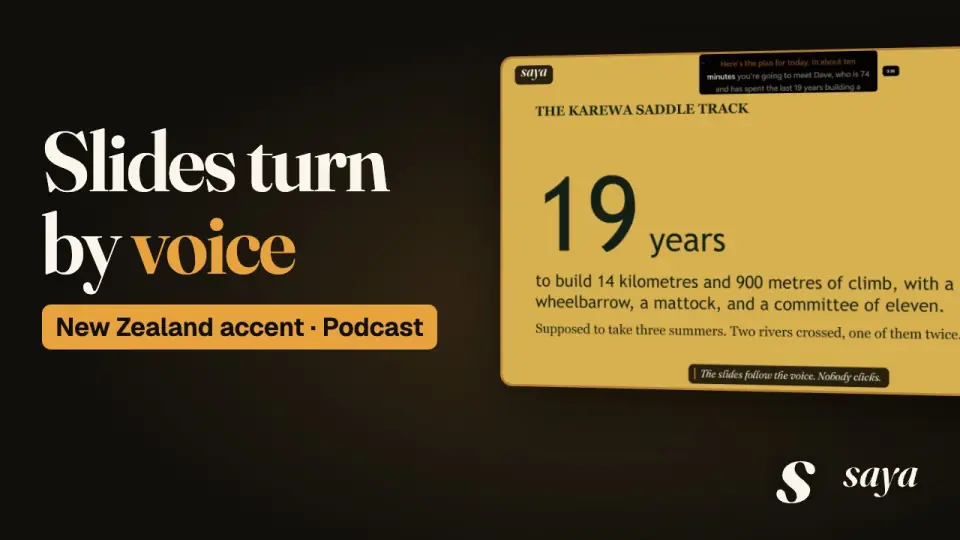 New Zealand accent: Podcast episode opening“It Was There the Whole Time” · 4:48
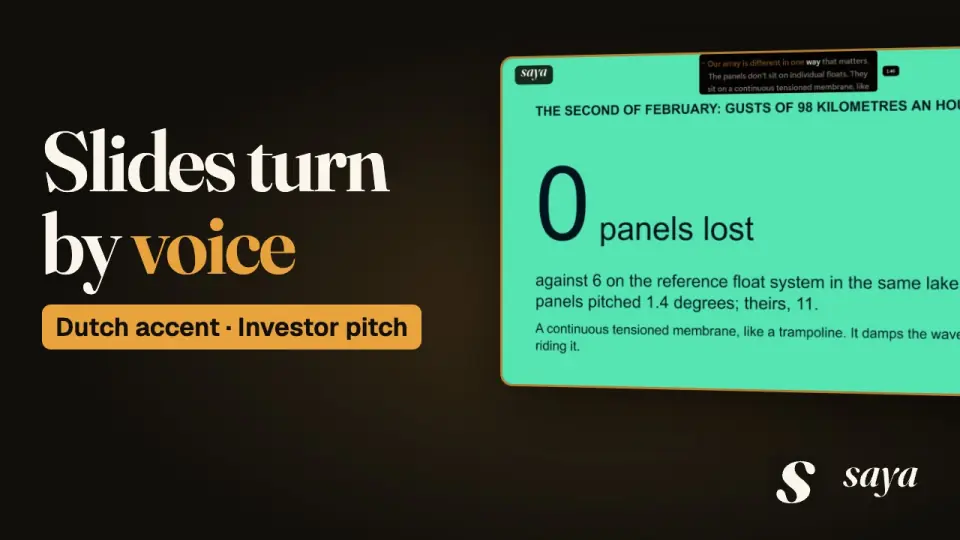 Dutch accent: Investor pitch“A Lake That Did Nothing for Forty Years” · 5:08
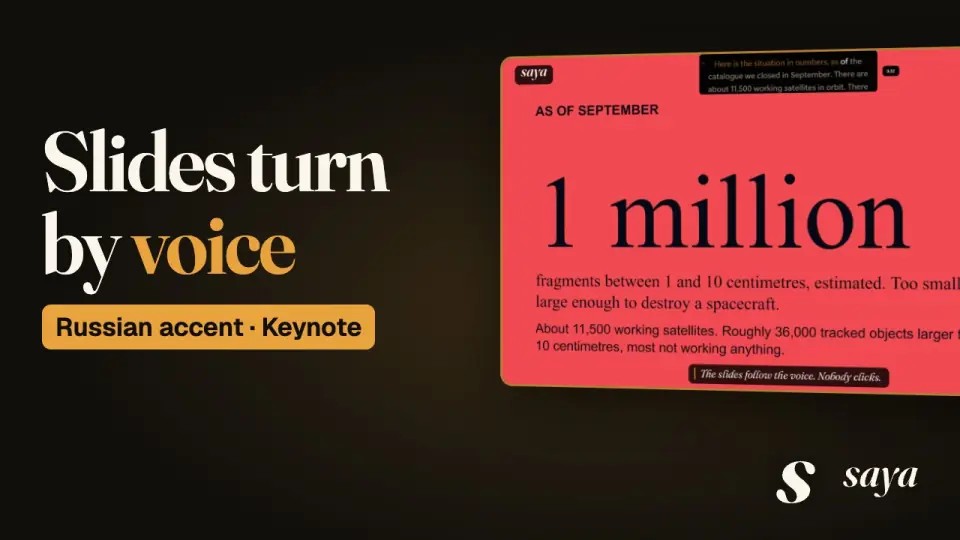 Russian accent: Conference keynote“People with Old Telescopes” · 5:08
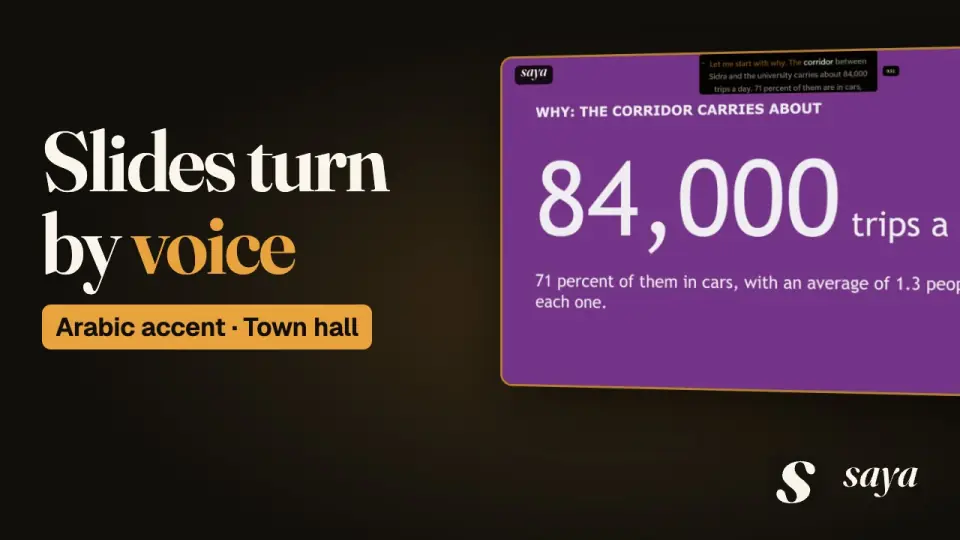 Arabic accent: Municipal town hall“Angry Tonight, Not Surprised in March” · 4:56
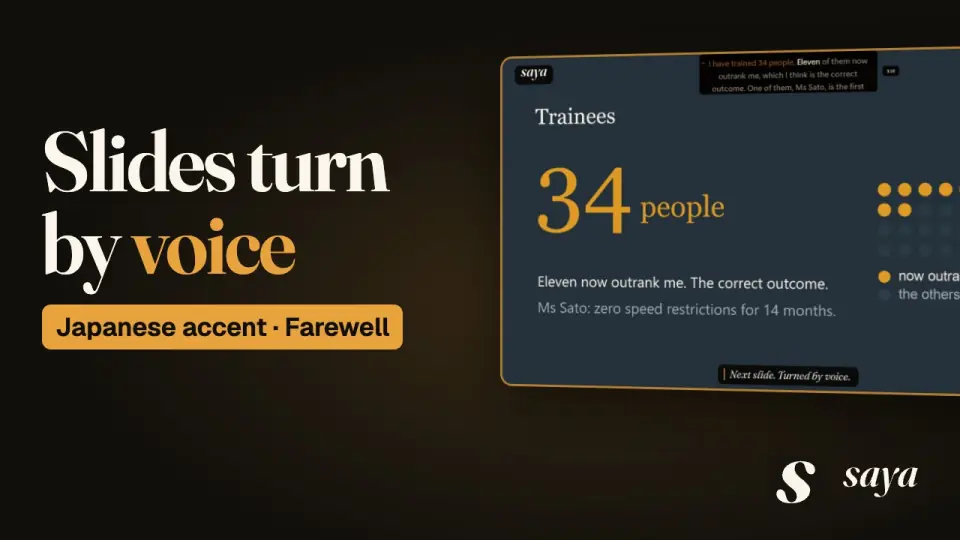 Japanese accent: Retirement speech“Walk the Track at Night” · 5:00
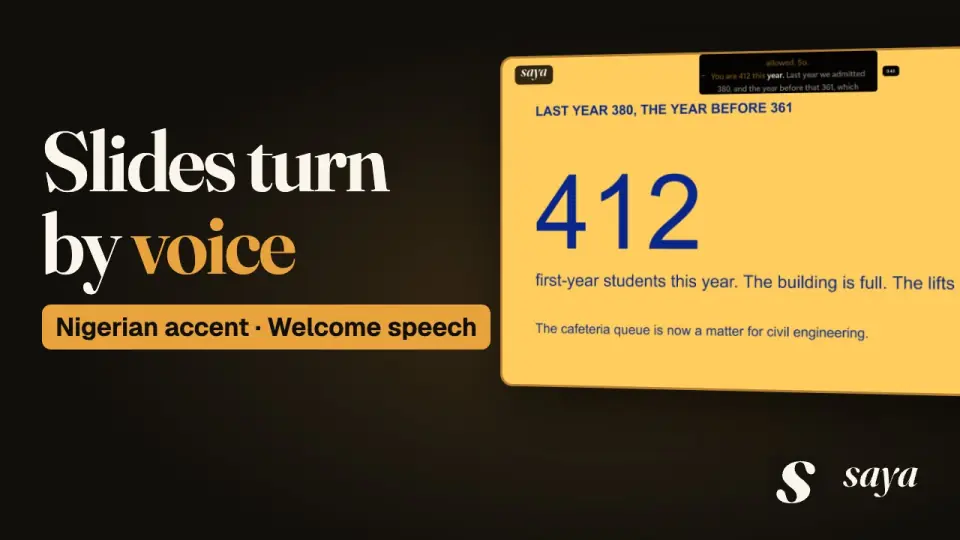 Nigerian accent: University welcome address“The Bridge Does Not Care” · 4:37
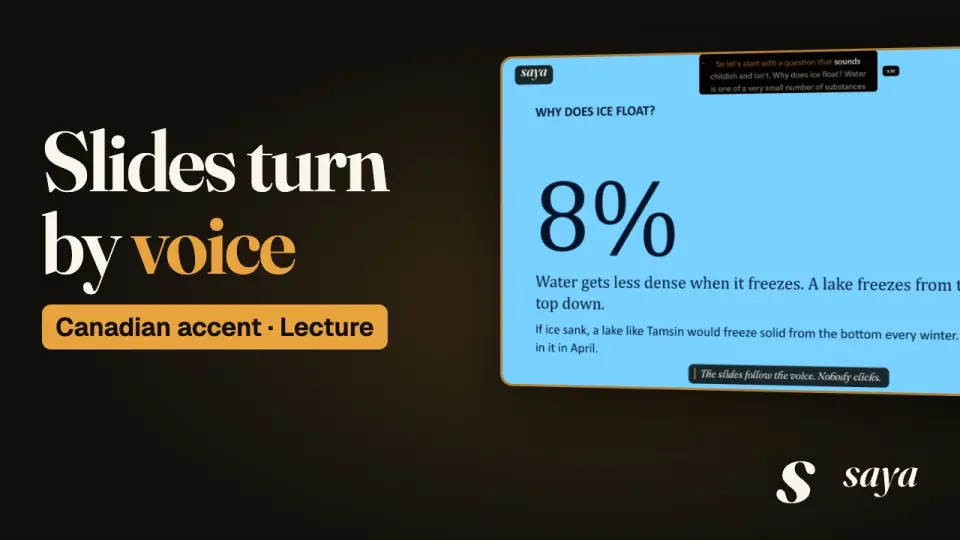 Canadian accent: Recorded university lecture“The Square Root of Winter” · 5:08
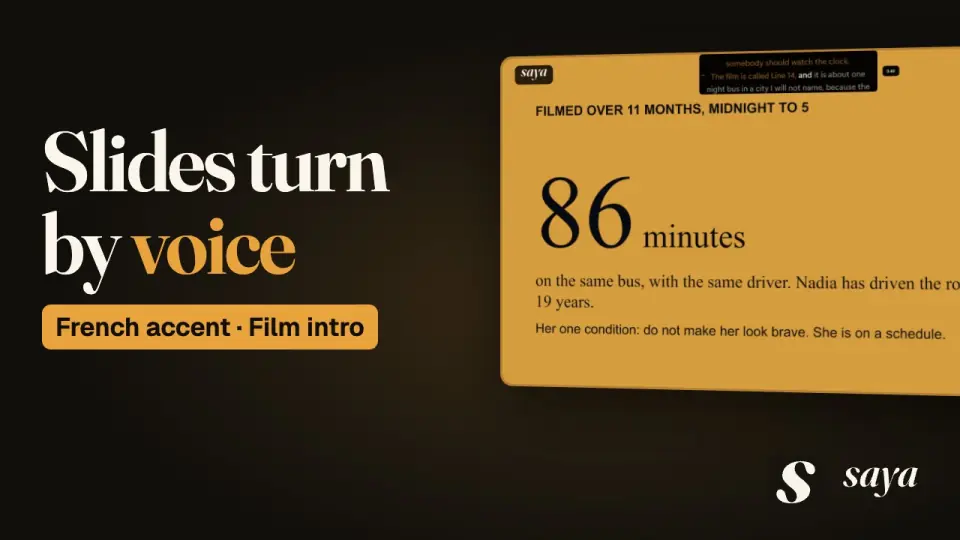 French accent: Festival film introduction“I Am Not Brave, I Am on a Schedule” · 4:22
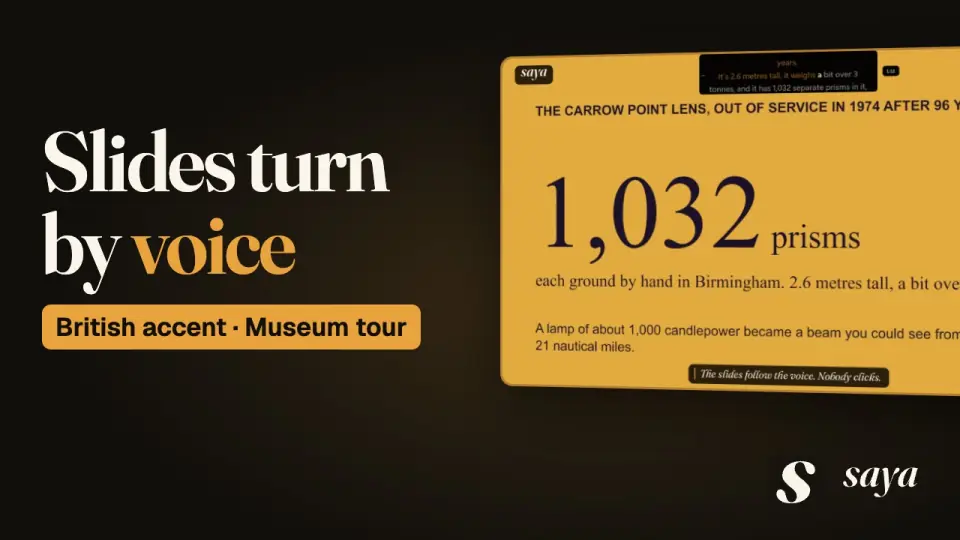 British accent: Museum evening tour“Lamp Trimmed, All Well” · 5:01
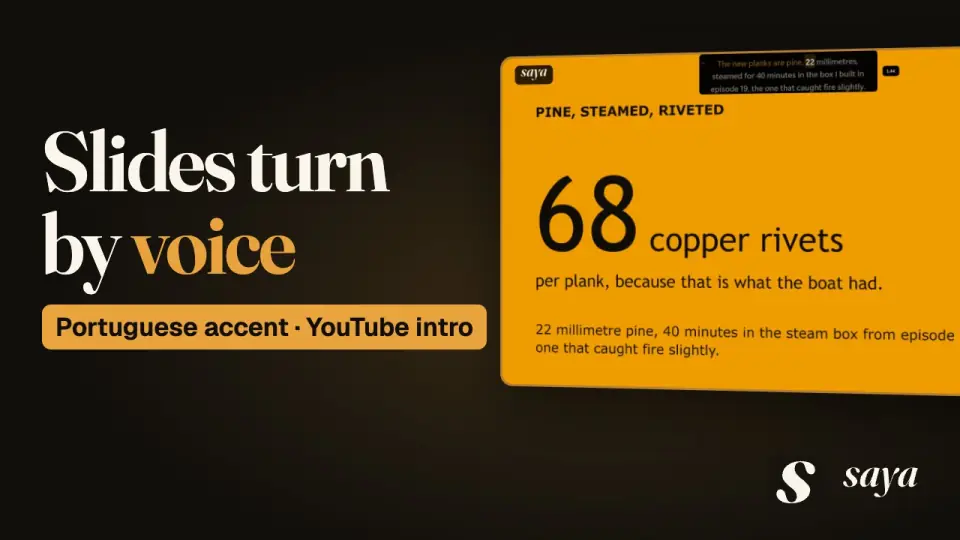 Portuguese accent: YouTube episode intro“More Boat Than Hole” · 4:21
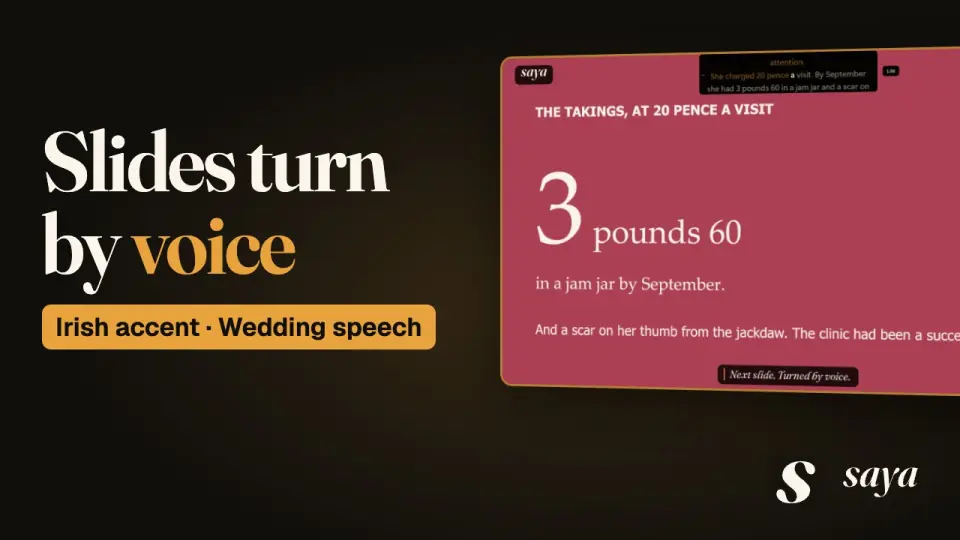 Irish accent: Wedding speech“The Girl in the Shed” · 4:27
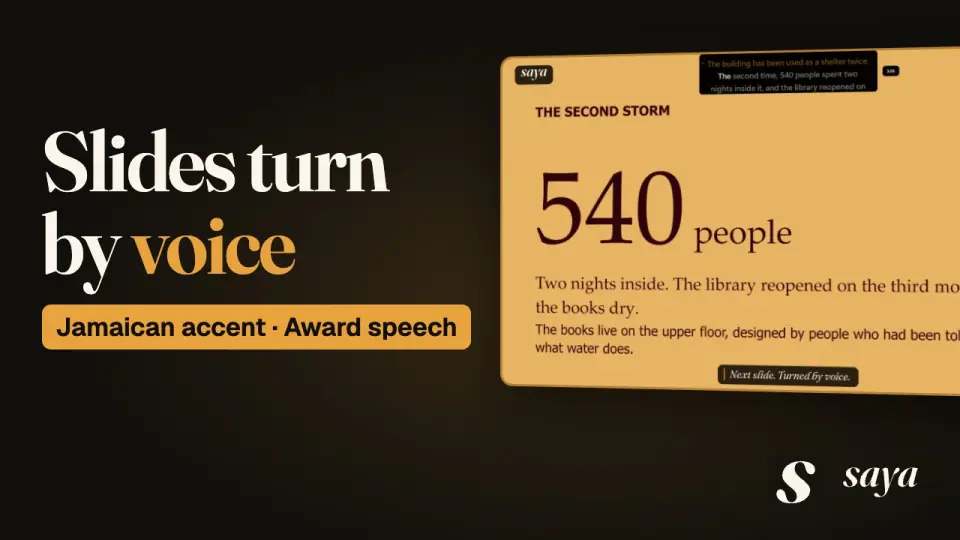 Jamaican accent: Award acceptance speech“A Shell and Not a Prayer” · 4:55
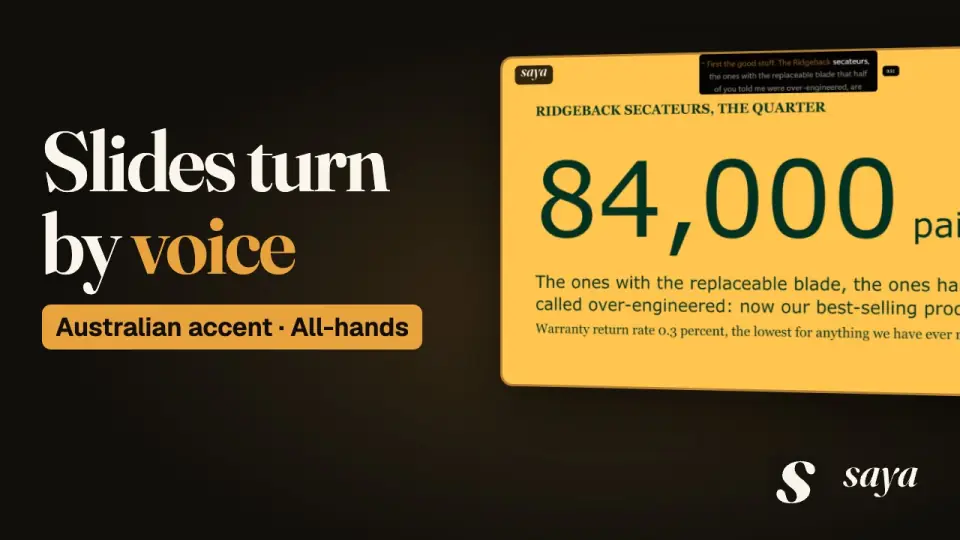 Australian accent: Company all-hands“One Microwave, Retired with Honours” · 4:27
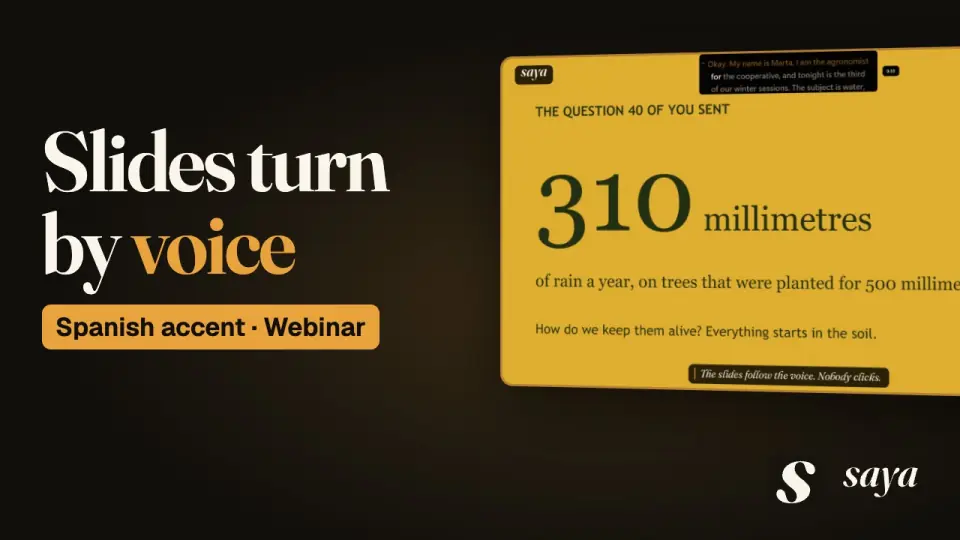 Spanish accent: Members webinar“The Tree That Writes Everything Down” · 5:03
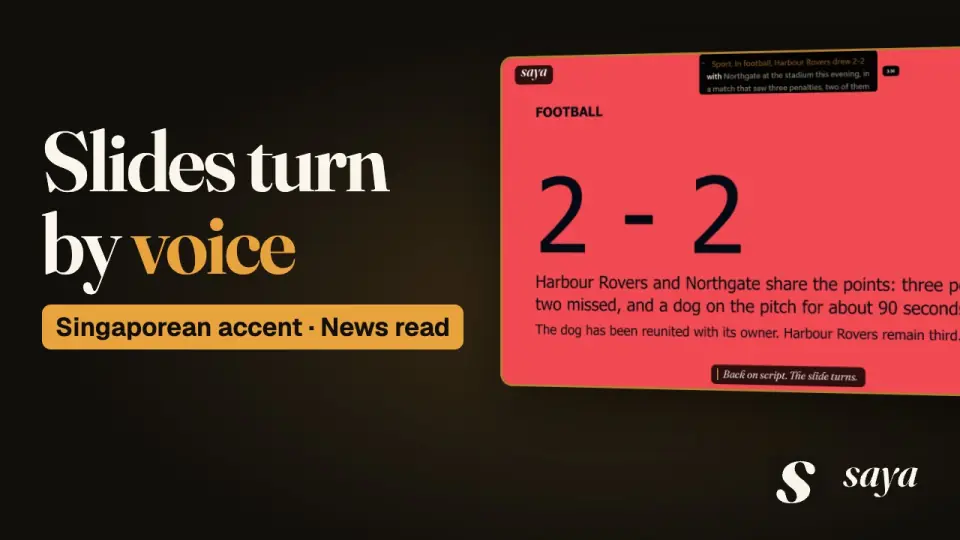 Singaporean accent: Evening news bulletin“Useful in Both Directions” · 4:49
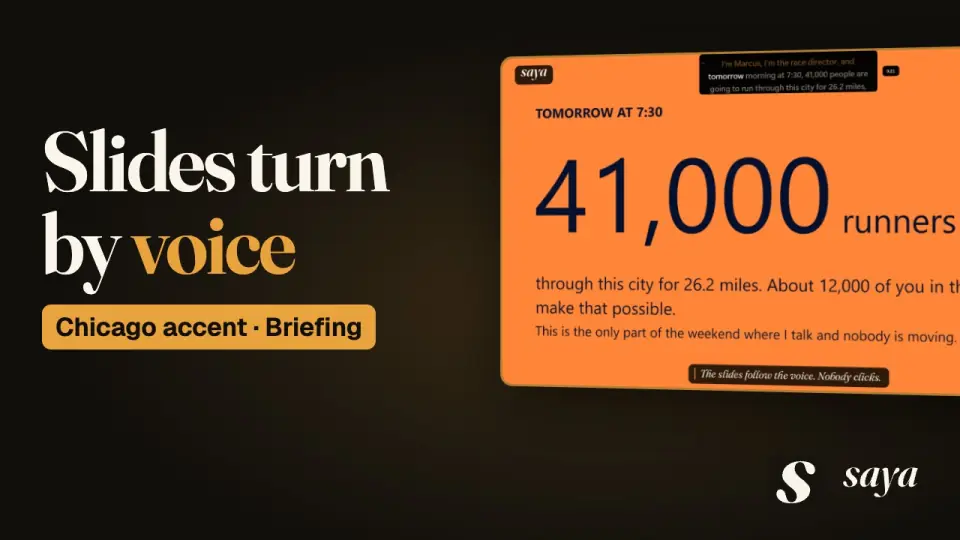 Chicago accent: Marathon volunteer briefing“Point North with Great Confidence” · 5:11
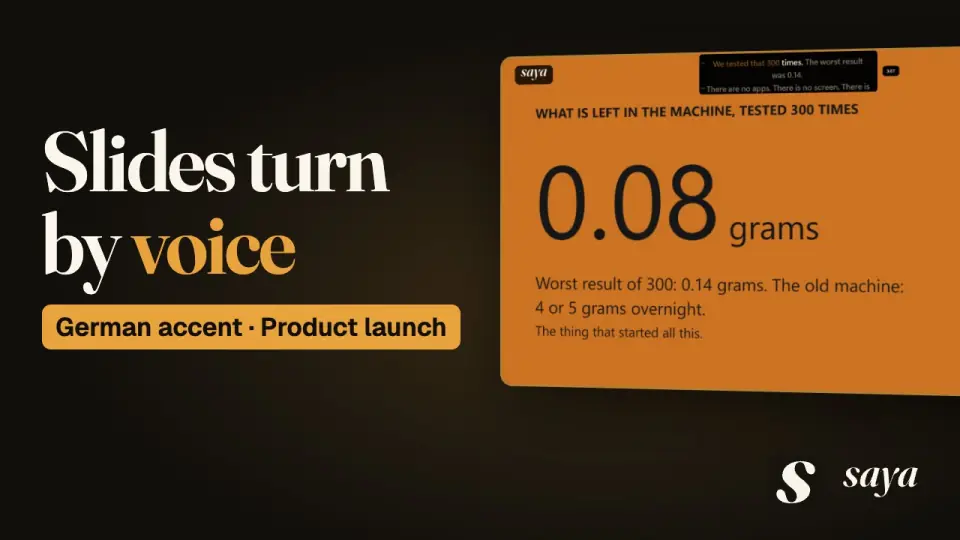 German accent: Product launch“Nothing Left in the Machine” · 4:43
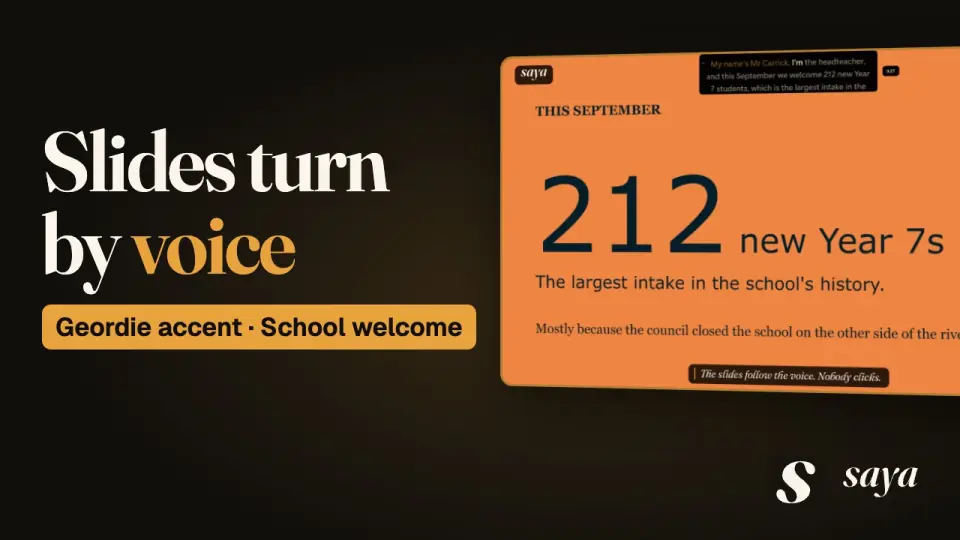 Geordie accent: School induction evening speech“Label the Labels” · 4:33
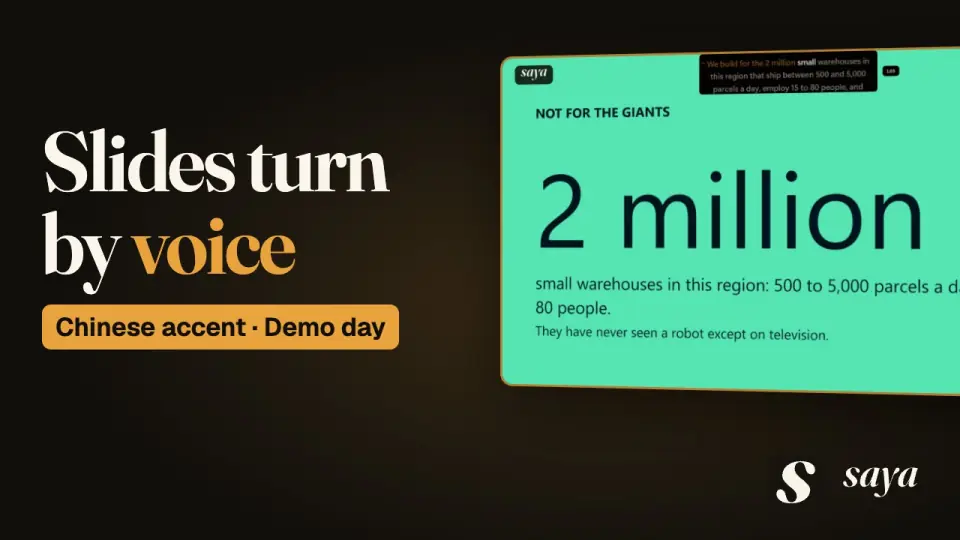 Chinese accent: Startup demo day pitch“The Shelves Come to You” · 4:59
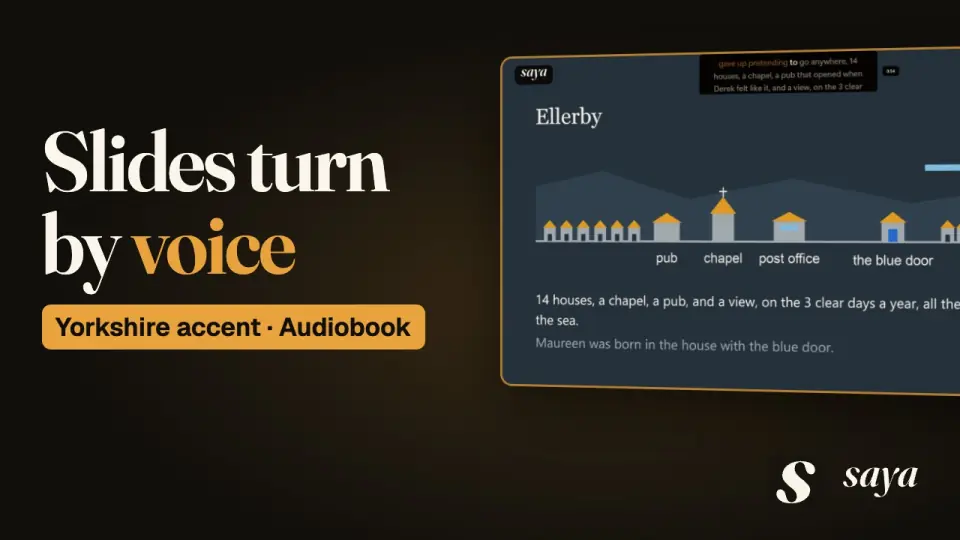 Yorkshire accent: Audiobook narration session“We Shall See” · 4:24
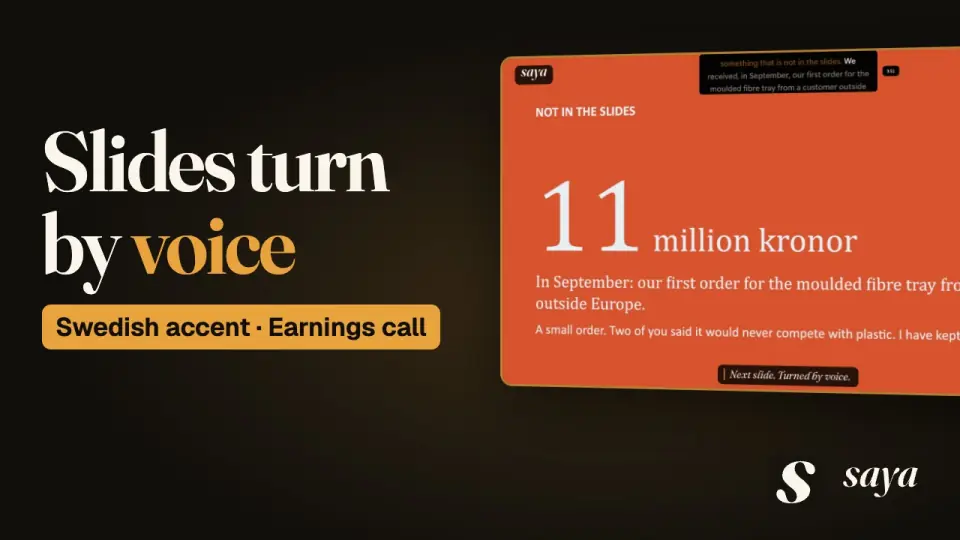 Swedish accent: Quarterly earnings call“Trees Do Not Read the News” · 5:00
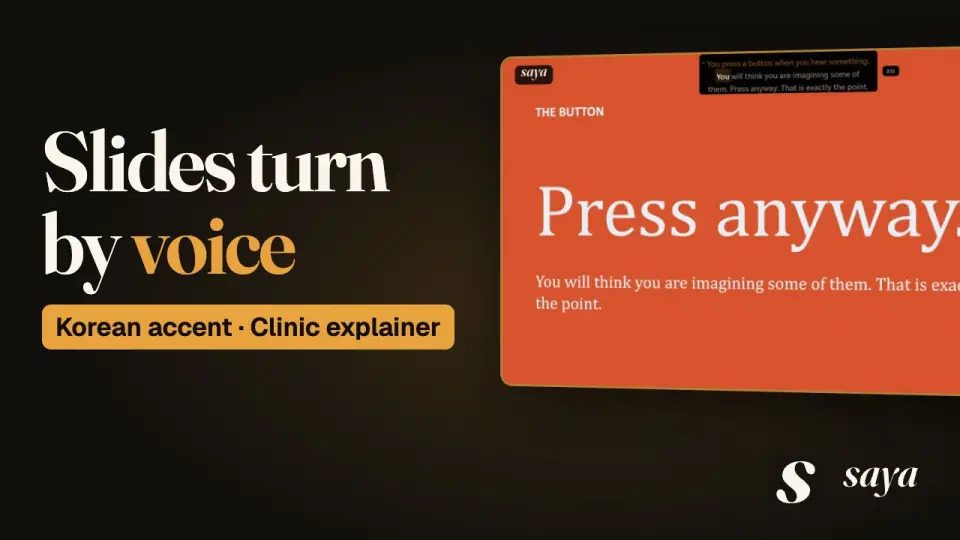 Korean accent: Clinic explainer video“Press Anyway” · 5:06
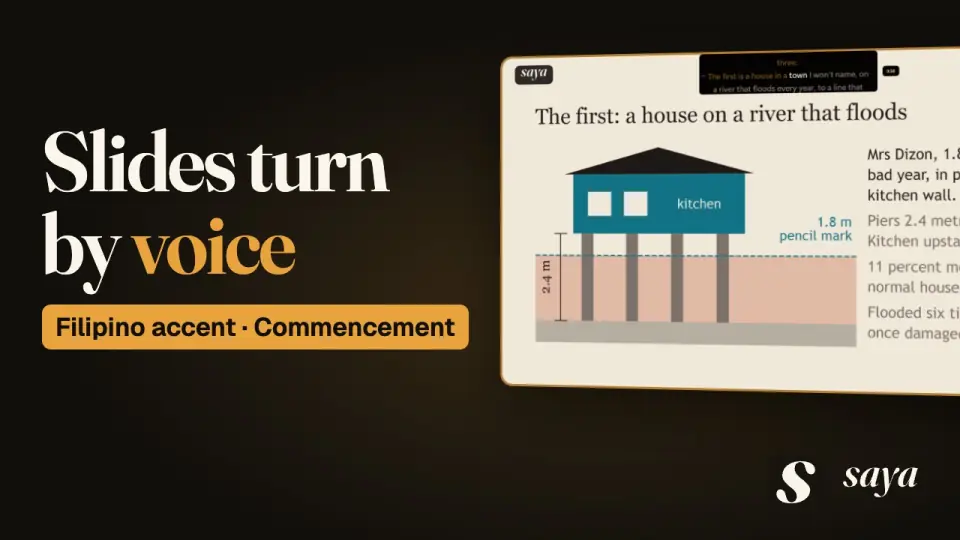 Filipino accent: Commencement address“Listen to the Pencil Marks” · 5:45
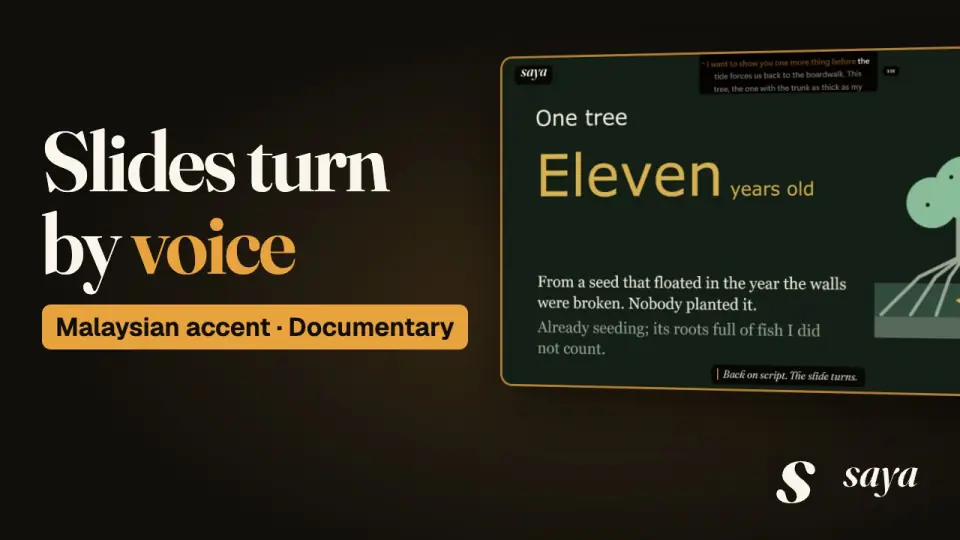 Malaysian accent: On-location documentary presenting“A Forest Allowed to Remember” · 5:00
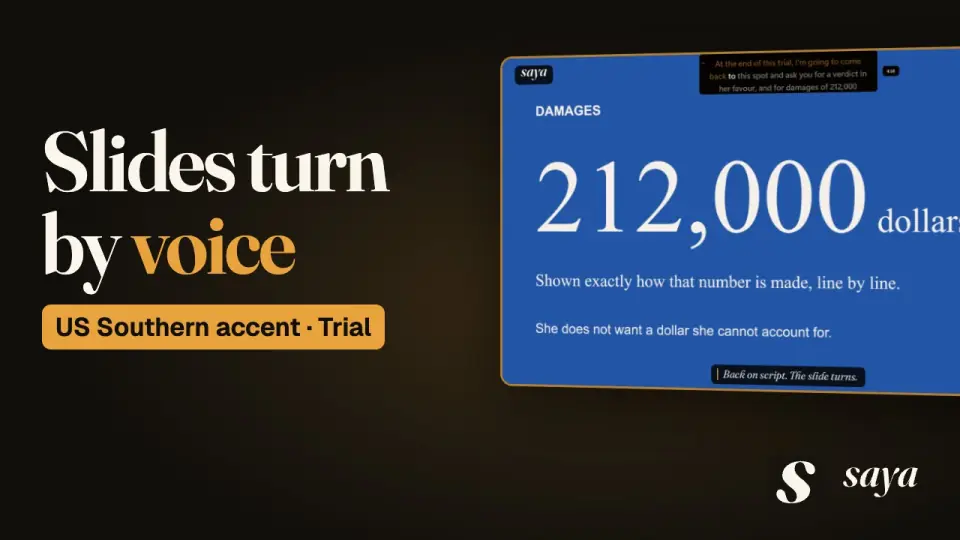 US Southern accent: Trial opening statement“Two Documents That Do Not Match” · 5:11
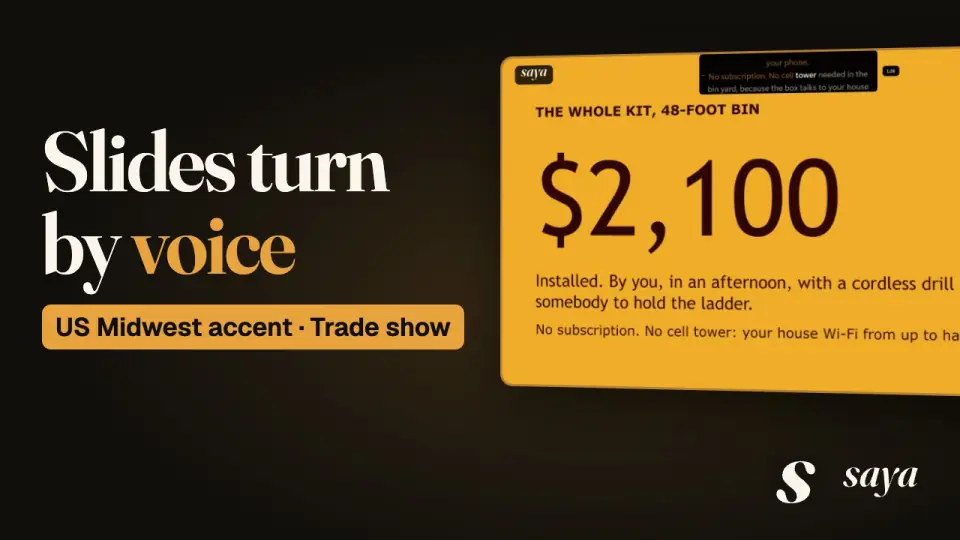 US Midwest accent: Trade show booth pitch“The Phone Is My Phone” · 4:22
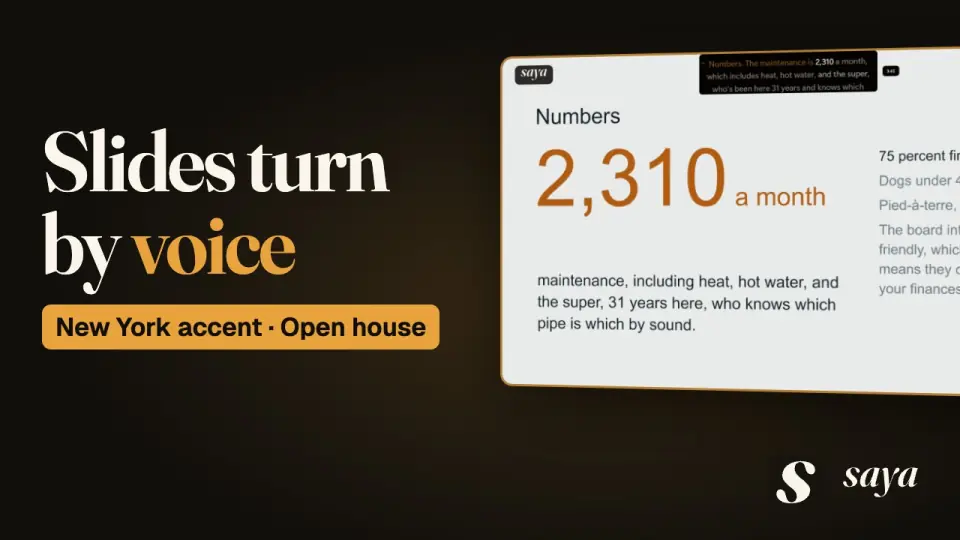 New York accent: Real estate open house“A Closet with Ambition” · 5:06
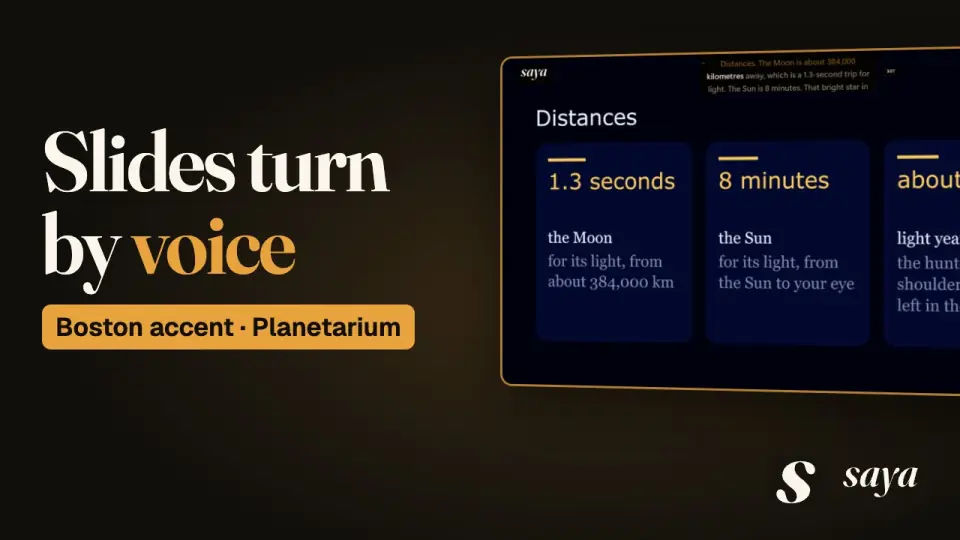 Boston accent: Live planetarium show“Nobody Turned It Off” · 4:56
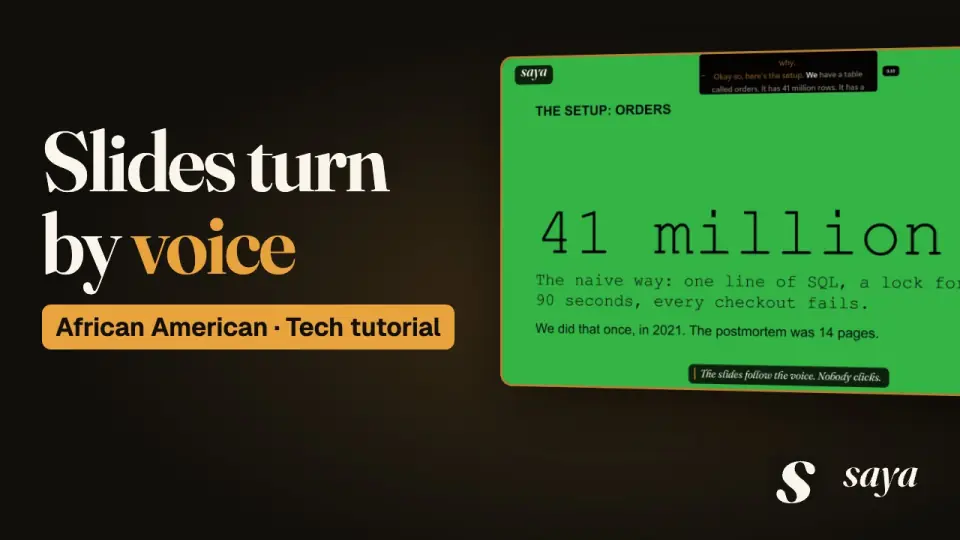 African American accent: Developer tutorial screencast“Expand, Backfill, Switch, Contract” · 5:41
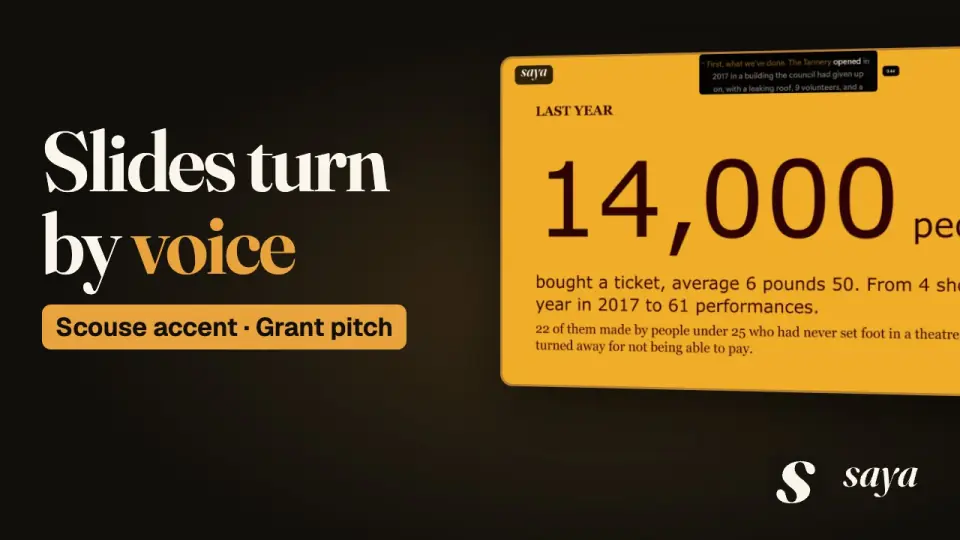 Scouse accent: Arts grant pitch“A Roof and a Tuesday” · 4:38
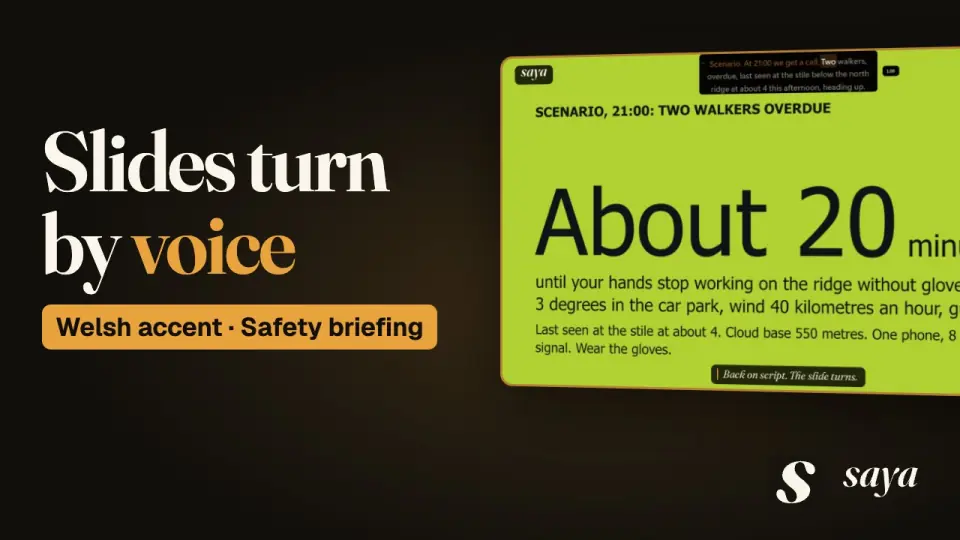 Welsh accent: Rescue team exercise briefing“Not in the Van” · 4:54
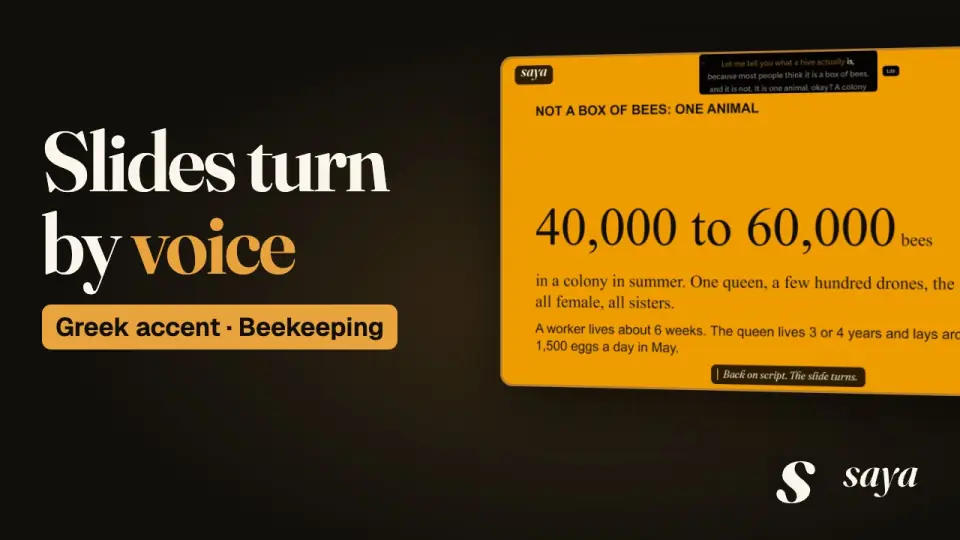 Greek accent: Beginners workshop“One Warm Animal” · 5:20
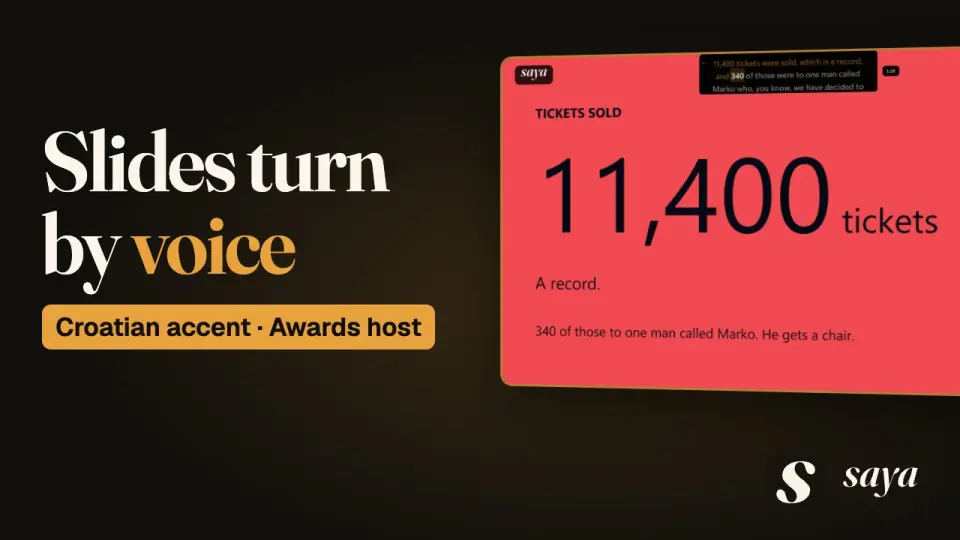 Croatian accent: Festival awards night hosting“The Stairs on the Left Are Easier” · 4:50
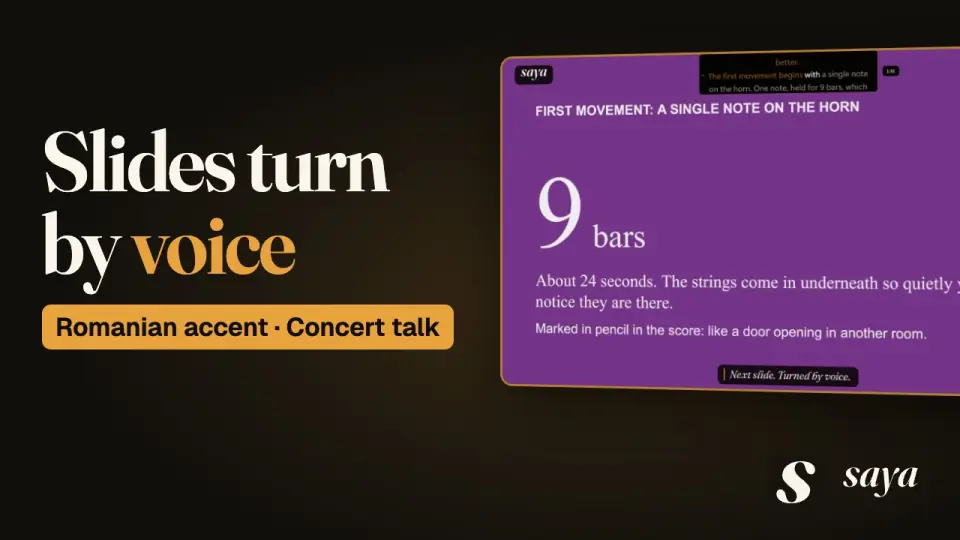 Romanian accent: Pre-concert talk“One Note, Held for Nine Bars” · 4:30
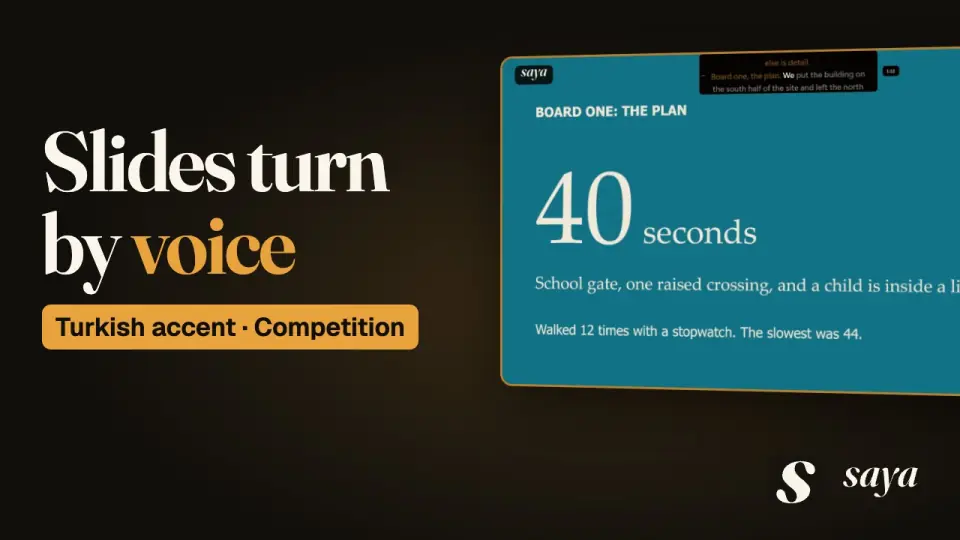 Turkish accent: Design competition jury presentation“The Tree and the Children” · 4:30
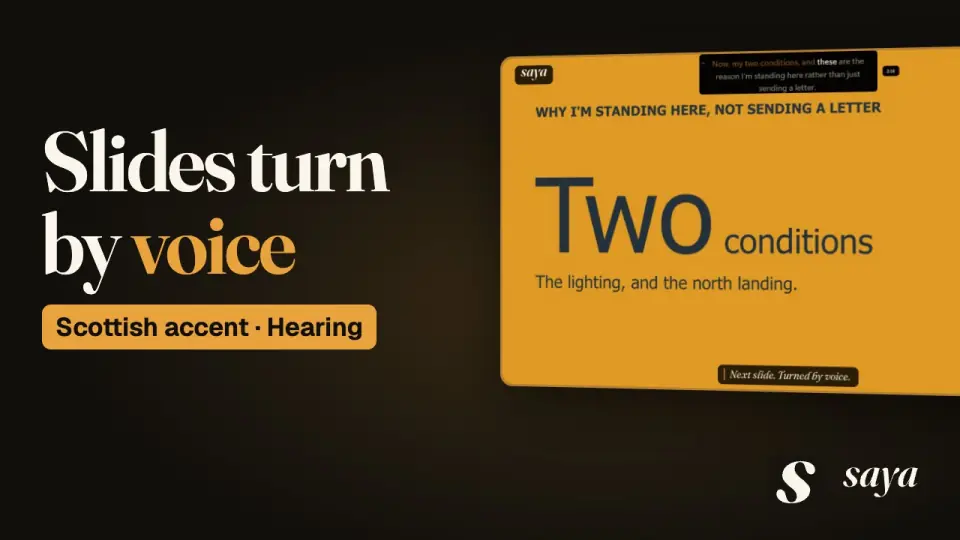 Scottish accent: Planning hearing statement“Light the Path, Not the Sky” · 4:32
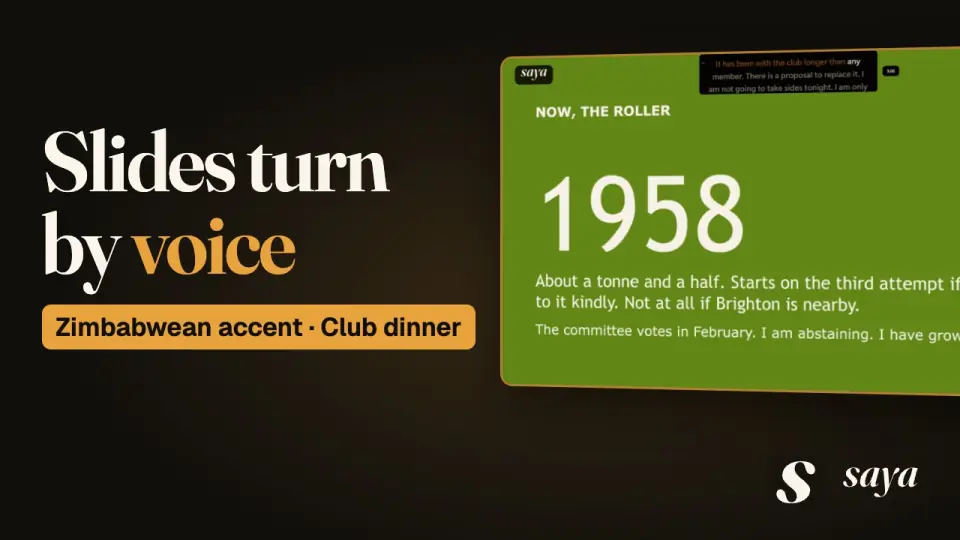 Zimbabwean accent: Club end-of-season dinner speech“Younger Than the Roller” · 4:26
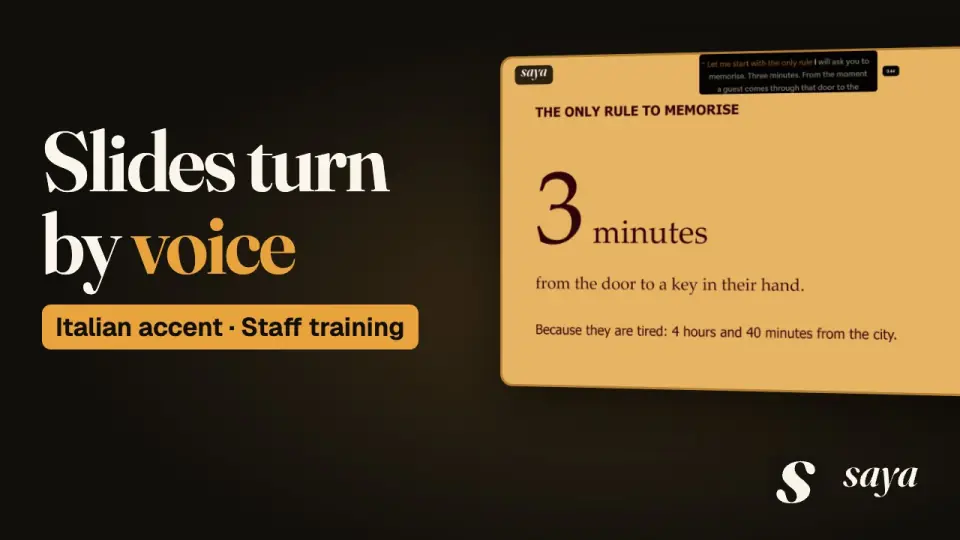 Italian accent: Hotel staff training“Three Minutes, Then Disappear” · 5:10
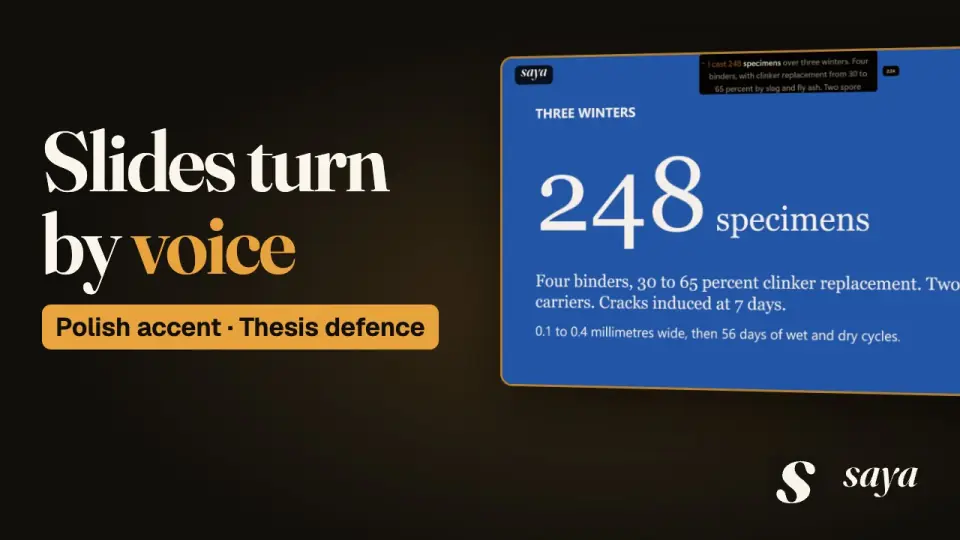 Polish accent: Doctoral thesis defence“A Brick That Fixed Itself” · 5:43
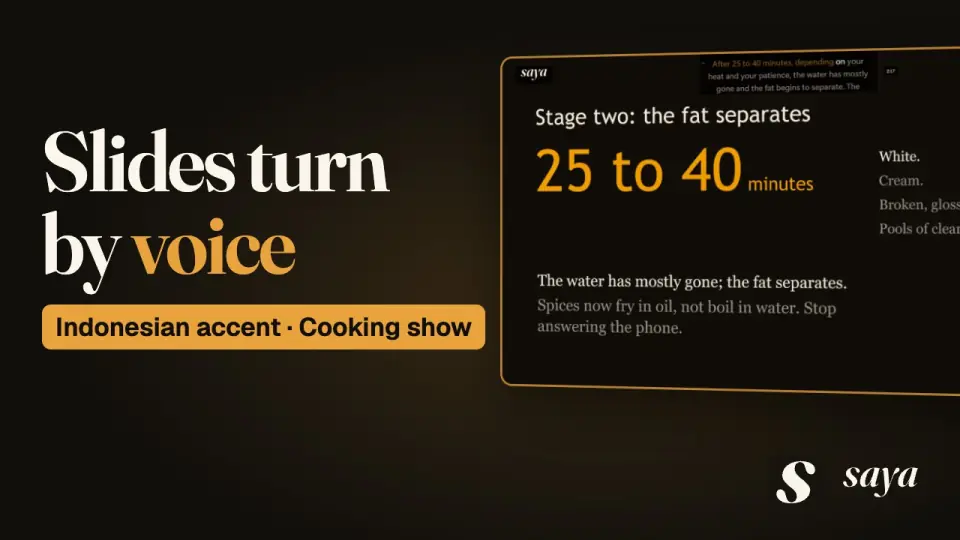 Indonesian accent: Cooking show episode“Thin First, Thick Last” · 4:59
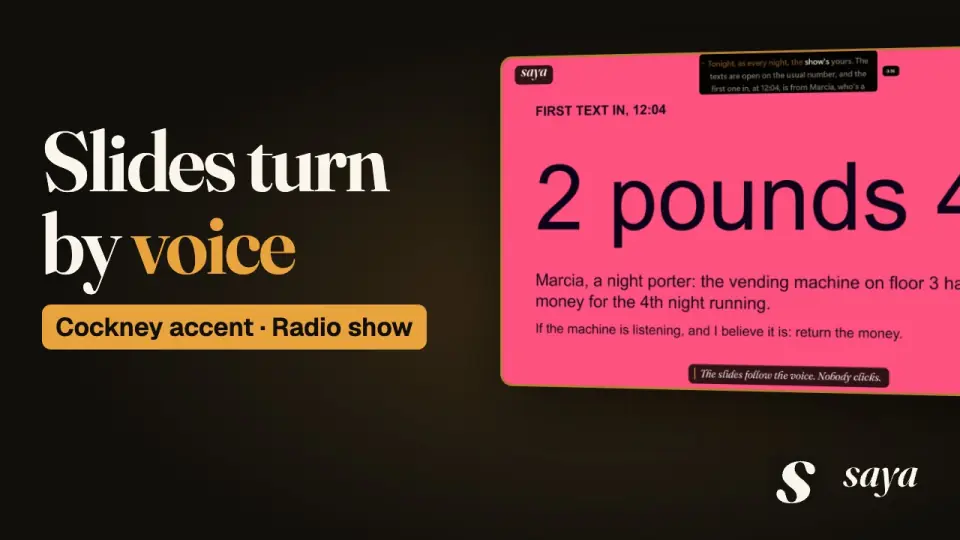 Cockney accent: Late-night radio show opening“It Is the Somebody” · 4:43
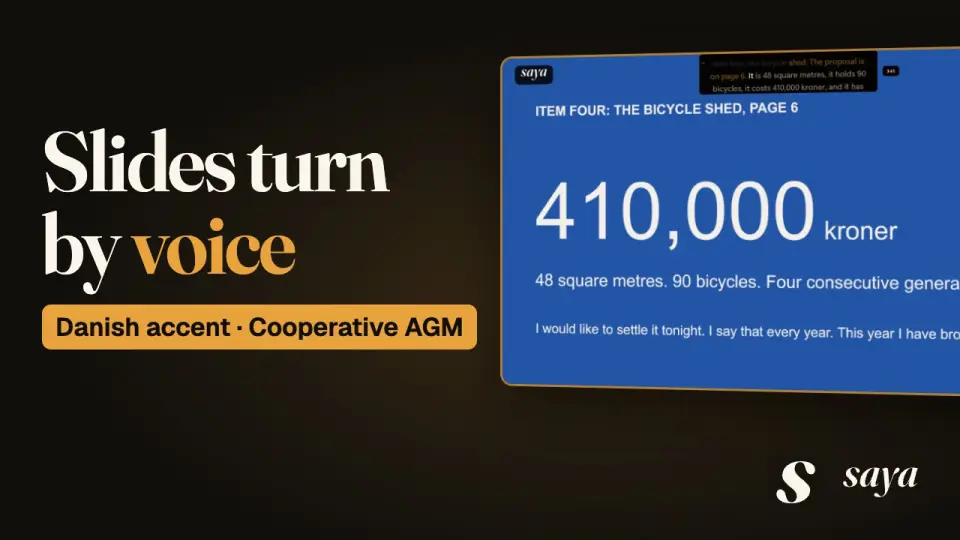 Danish accent: Annual general meeting opening“Forty Minutes on the Bicycle Shed” · 5:46
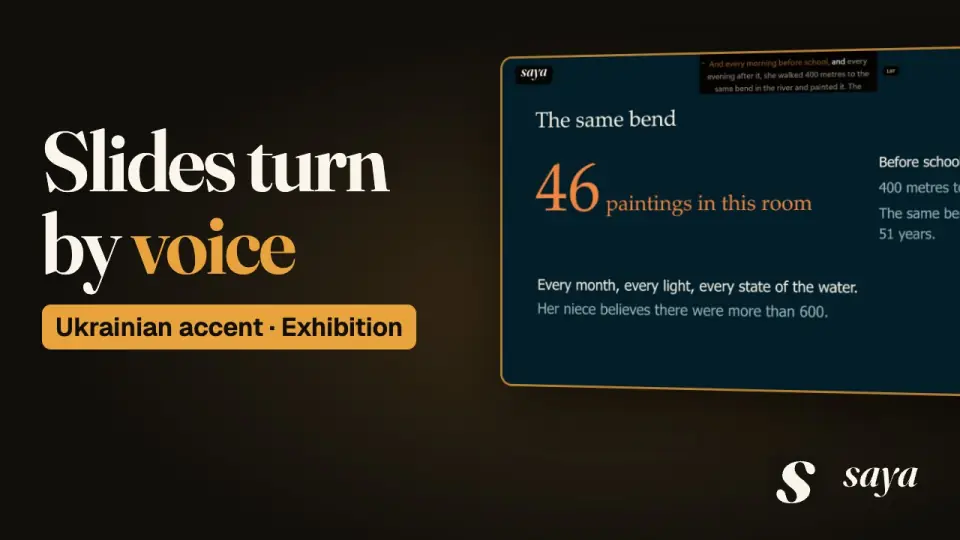 Ukrainian accent: Exhibition opening speech“Verba Blue” · 4:53
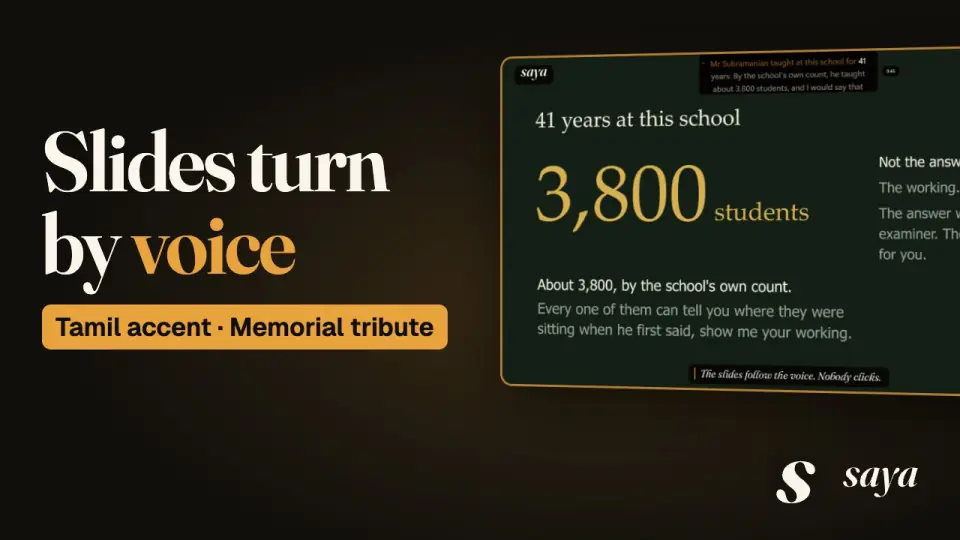 Tamil accent: Memorial tribute“Show Your Working” · 4:27
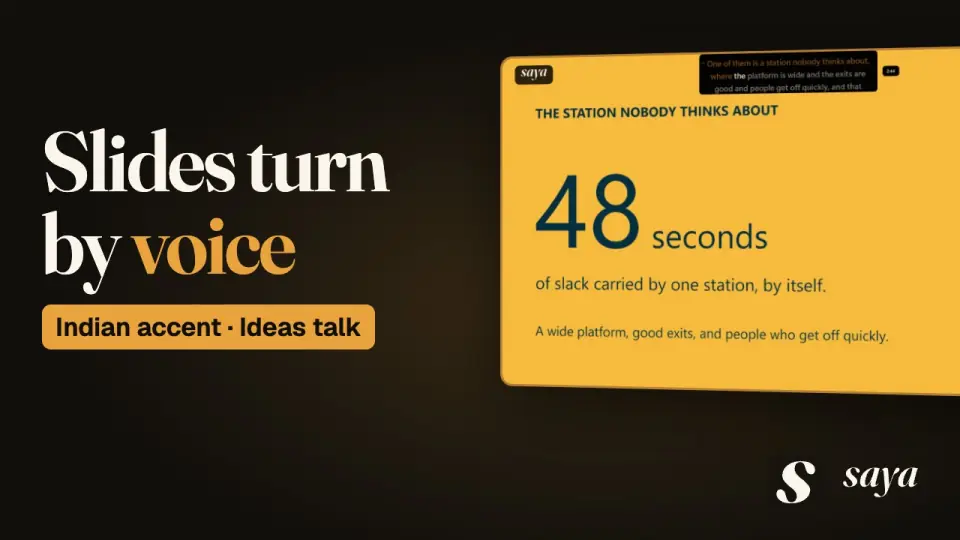 Indian accent: Ideas talk“Where the Slack Goes” · 4:45
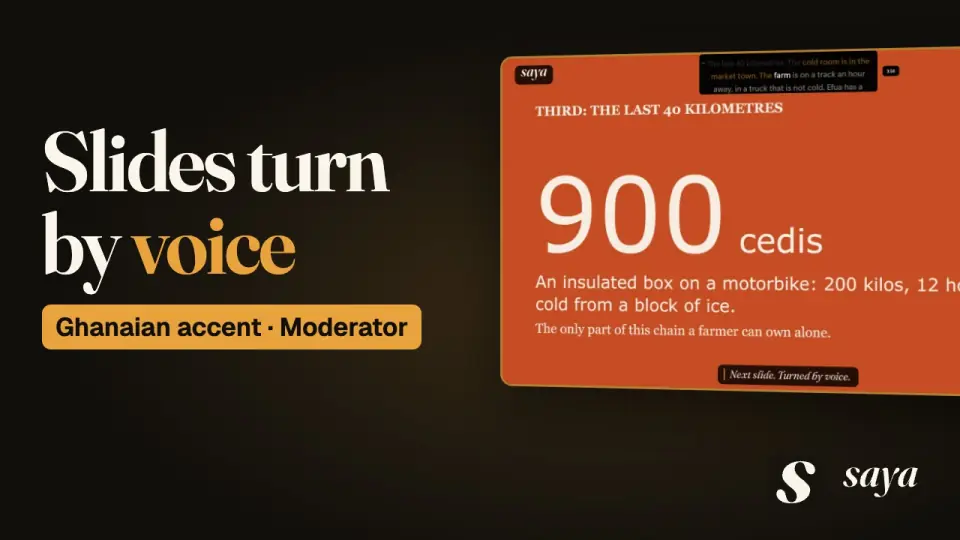 Ghanaian accent: Conference panel moderation“A Refrigerator Missing in Between” · 5:14
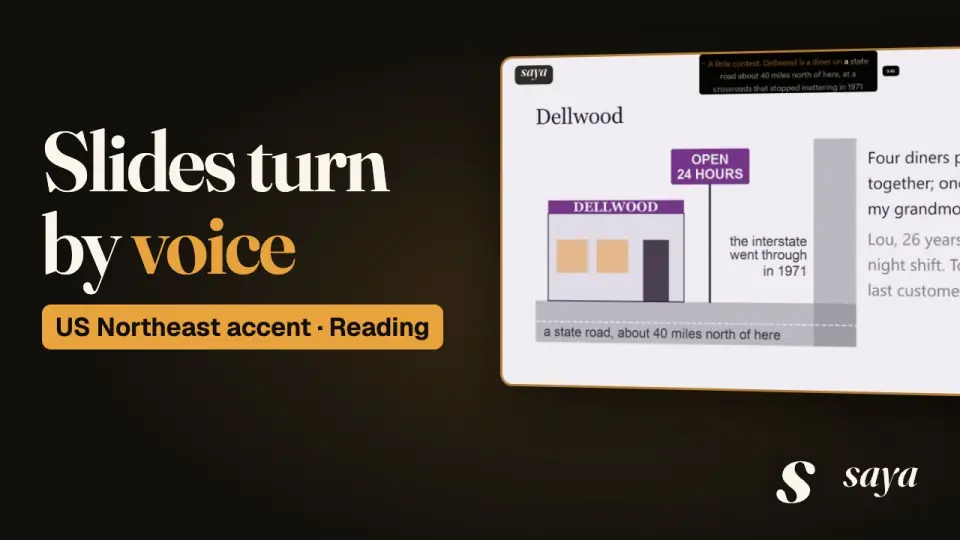 US Northeast accent: Author reading at a bookshop“The Rest Is the Minute” · 4:37
Talks under the camera.
Each film is a different talk.
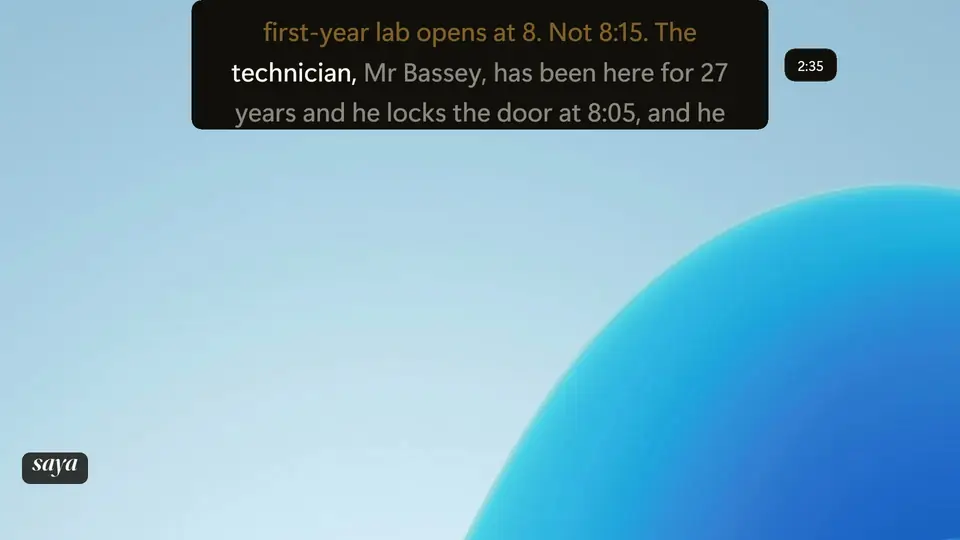
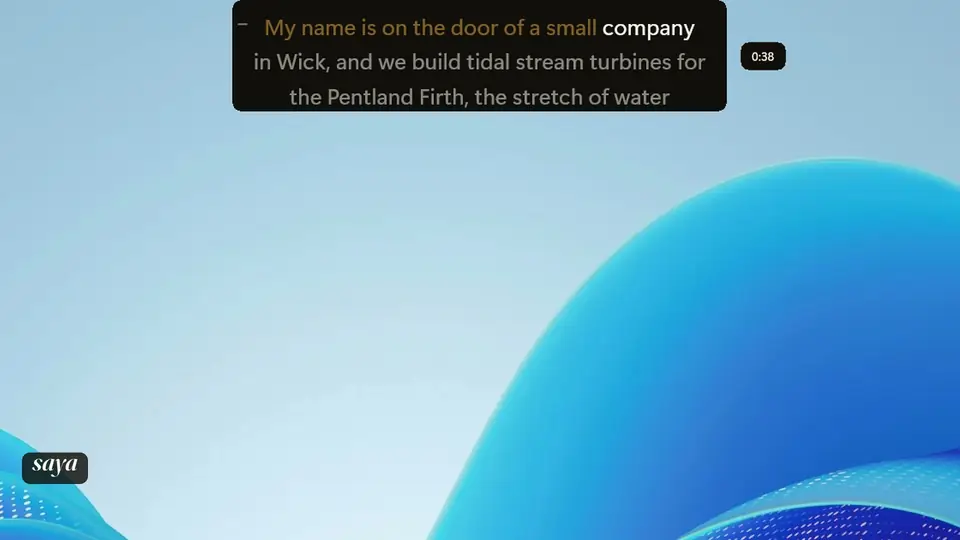
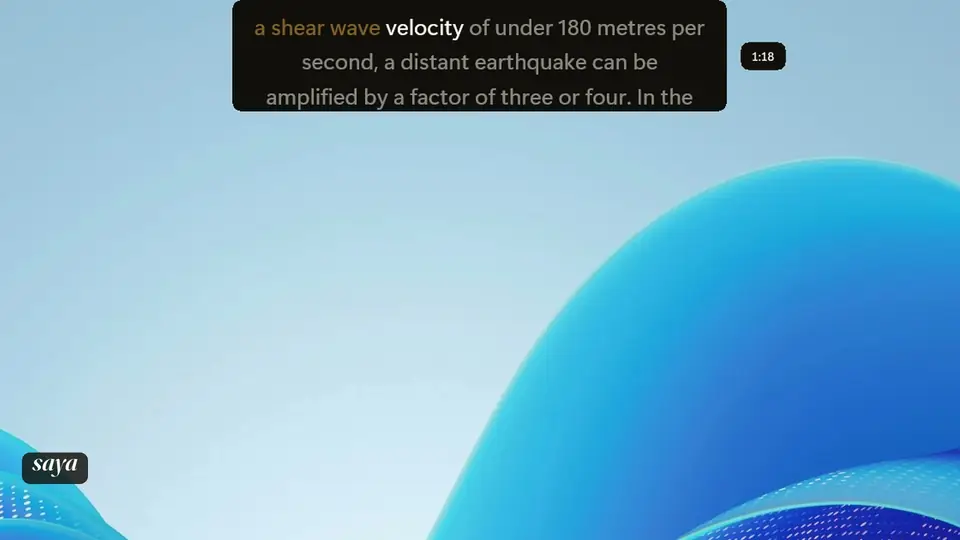
What to watch for.
Word by word
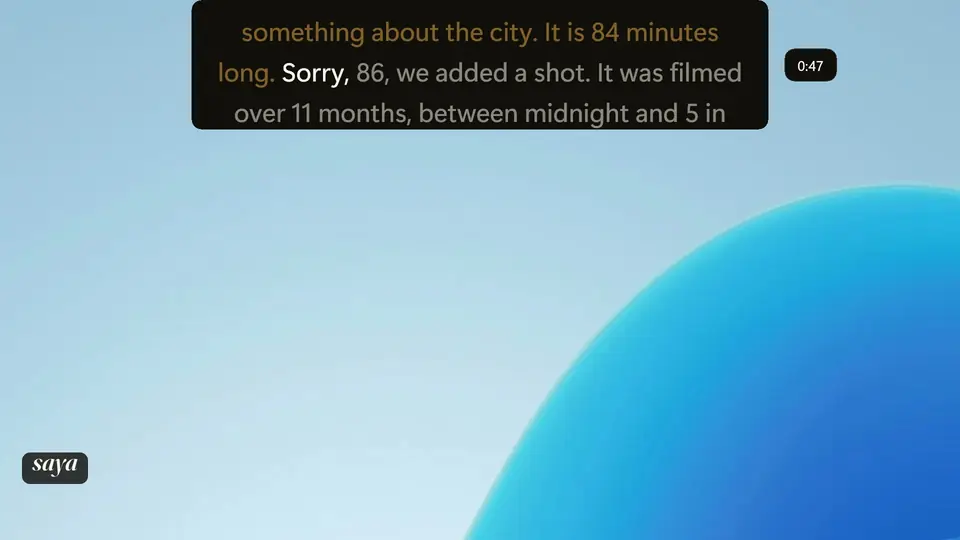
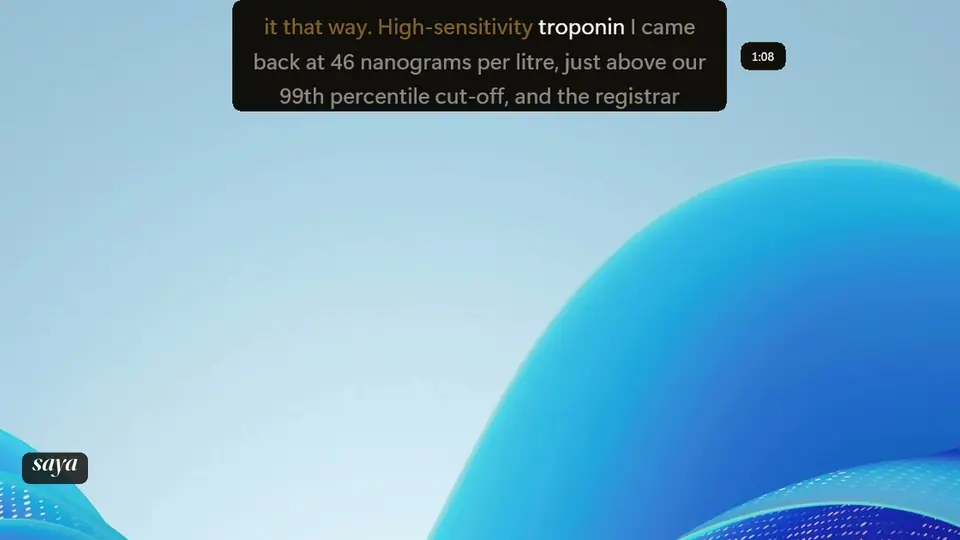
The bright word moves through names, numbers and technical terms as they are said.
Off script
The voice leaves the script for a while. Watch what the bright word does.
A slip and a fix
The voice gets something wrong and corrects it, then carries on.
A pause
The voice stops for a few seconds. The text waits.
Slides
In the talks with slides, the next slide comes up when the talk reaches it.
Questions
Is this a real talk?
No. Each film is a scripted demo talk, and the people and figures in it are fictional. The voice reached SAYA through a virtual audio cable, not a room microphone. The accent names are the voice library's labels.
Are the films edited?
No. Each film is one take of one talk from start to finish, with opening and closing titles added.
What does the bright word mean?
It marks your place in the script and moves as you speak.